The post Step by step to send your tweets to evernote appeared first on I'm Knight.
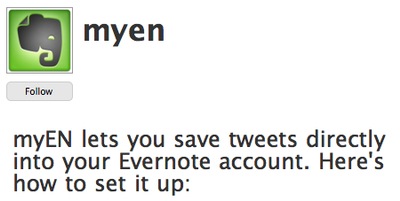
]]>Step 1 – Visit Evernote special twitter account for this service @myEN and follow it.
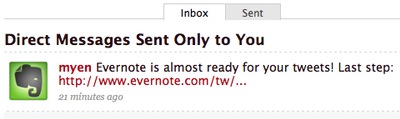
Step 2 – Wait for the direct message from @myEN which consisit a link.
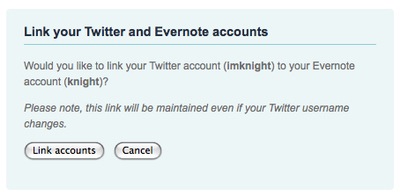
Step 3 – click on the link and login your evernote account, it will redirect you to a page and ask you link both evernote and twitter account.
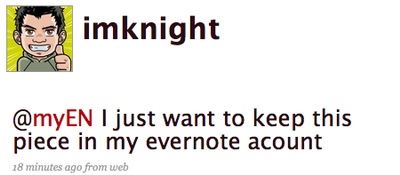
Step 4 – after the links action is done, you can start send a direct message to @myEN or put @myEN at any part of your public message
Step 5 – once you send within a few min it will synced, you can find it on your web account, desktop client, iphone client. You can see on my evernote desktop client, it keep the source of the twitter message too.
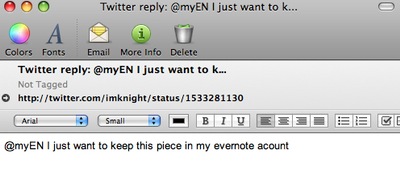
that’s how you send your tweets to evernote , i think it’s pretty simple , if you prefer screencast version , you can watch it on youtube.
The post Step by step to send your tweets to evernote appeared first on I'm Knight.
]]>The post Tweets to Facebook Public Profile appeared first on I'm Knight.
]]>Since application now can be add by public profile, a lot of social media expert/user/wannabe raise a new question , how do i import my tweets to my public profile ? the official twitter application in facebook work great for personal profile but it doesn’t seem like working properly for facebook profile. Another important thing is the current twitter application for facebook will sync all your tweets to facebook , i doubt so lots of people wanna do that, that’s why i m highly recommend this application – Selective Twitter Status.
What this application does is , any of your tweets that end with #fb will be show in your personal / public profile , i believe it make use of the twitter search feature to do this.
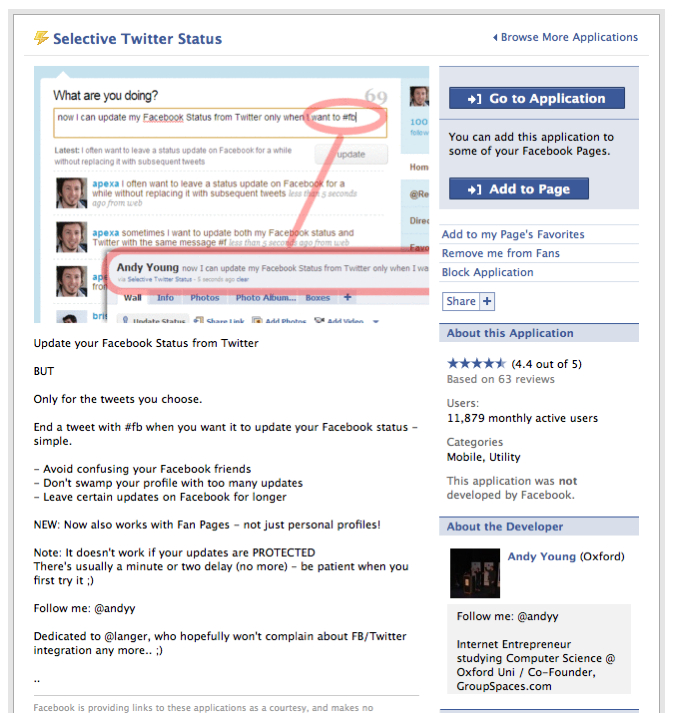
Give it a try today, if you are looking for a solution to send some of your tweets to facebook public profile directly, other then this another way to play with this, which is make use of twitter feed, with added #fb end of your tweets, sync your feed to twitter and tweet it to facebook public profile, so that your public profile will tell your facen, every time when your have a new blog post done.
The post Tweets to Facebook Public Profile appeared first on I'm Knight.
]]>The post How i using Nambu to improve my tweets reading appeared first on I'm Knight.
]]>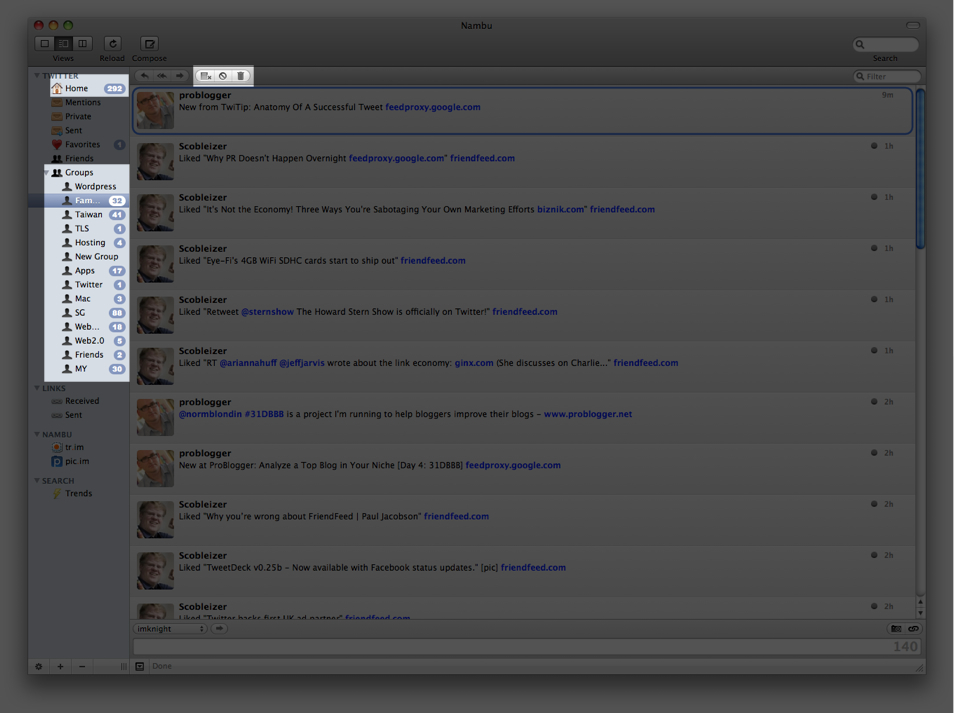
So the main reason i stick on Nambu is because the group feature and remove seen feature. So these are my work flow
- Split most of the user into different topic group ( i did the same thing for my google reader feed )
- When i want to read some tweets, i read in the topic focus group first.
- When i finish reading the group or i find it most of the tweets are boring, i just make all tweets as seen.
- After i go through some of the group , i can go to the home folder and click on remove seen messages button, what you read just now in other group will be hide immediately, the remaining tweets in home will be those without grouping , or with group but yet to read.
- i find that using this way i can filter most of my tweets faster.
lets say today you just want to ignore one particular topic , this is quite a good way to filter out those tweets. Share with me if you have any good tips.
The post How i using Nambu to improve my tweets reading appeared first on I'm Knight.
]]>